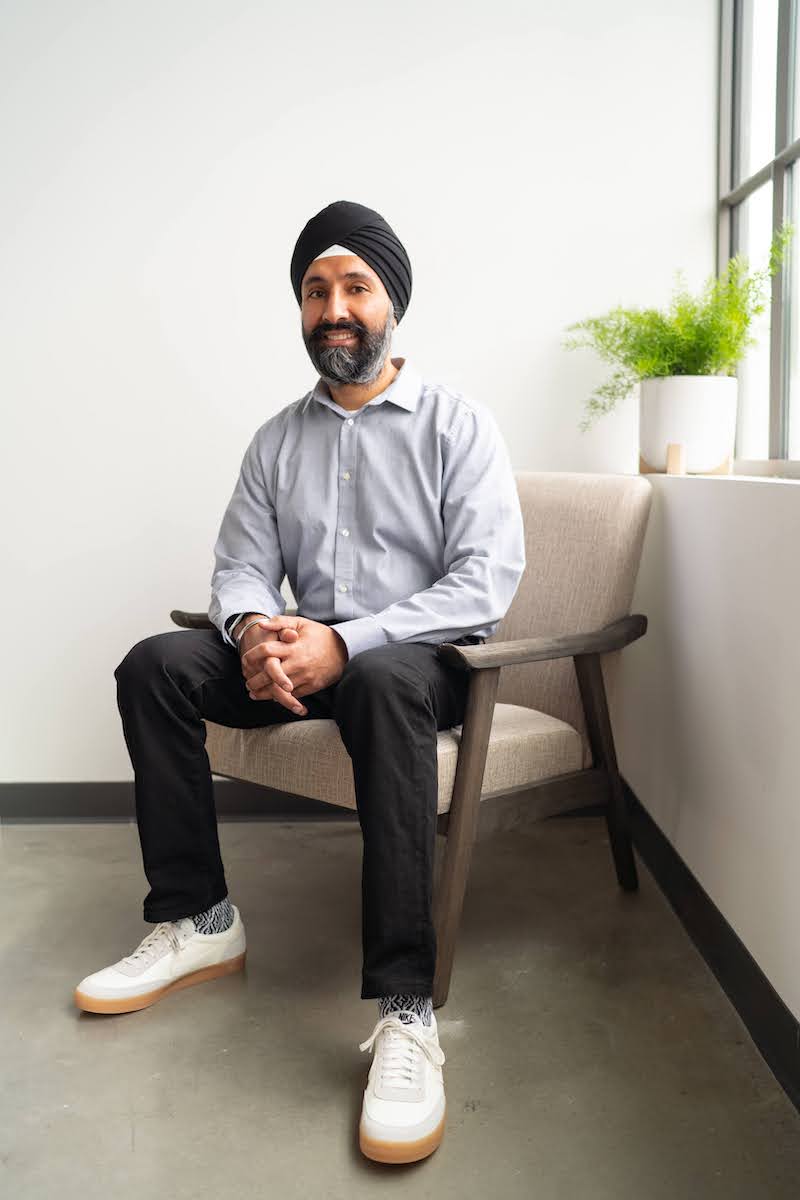
Hi, I’m Savraj,
and it's nice to meet you!
I enjoy helping startups and established companies with software development, engineering leadership, and product management.
I've played many roles in my career to date — PM, developer, engineering leader, and founder. I have the most fun working on projects with strong mission statements, great teams, and a close connection to users.
If you think I might be a fit for your project, please reach out on LinkedIn and mention you saw this page. Happy !
You can also read more about me, but here's the TLDR:
      2020-** CTO bubble goods

      2019-** Consultant

      2016-19 CTO daily harvest

      2009-16 Founder, wattvision (YC)

      2007-09 Co-founder, contestmachine (YC)

      2003-07 Program Manager,
      Microsoft Office User
      Experience

      1999-03 Princeton
      CS BSE